You can now use different colors, background, etc. on different screens (as opposed to the same “theme” for all screens.
Just click on “Override on this screen” in the <Themes> section.
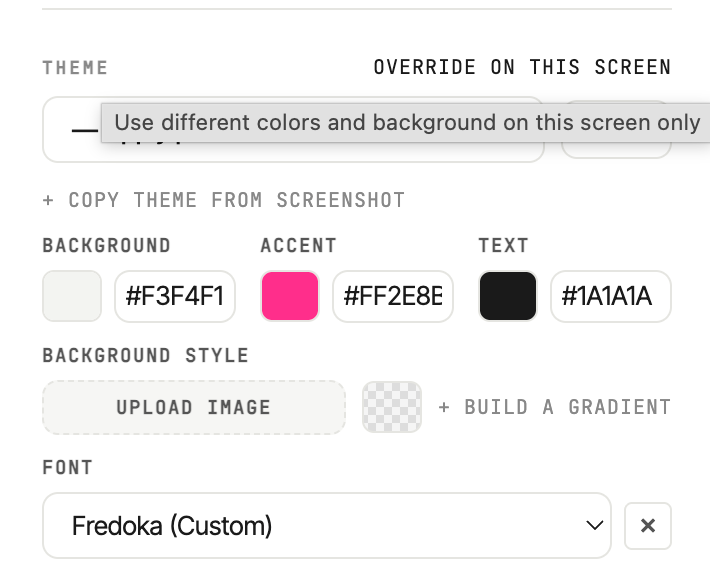
You can now use different colors, background, etc. on different screens (as opposed to the same “theme” for all screens.
Just click on “Override on this screen” in the <Themes> section.
Completed
Feature Request
4 months ago

Aryan Bhasin
Get notified by email when there are changes.
Completed
Feature Request
4 months ago
Aryan Bhasin
Get notified by email when there are changes.